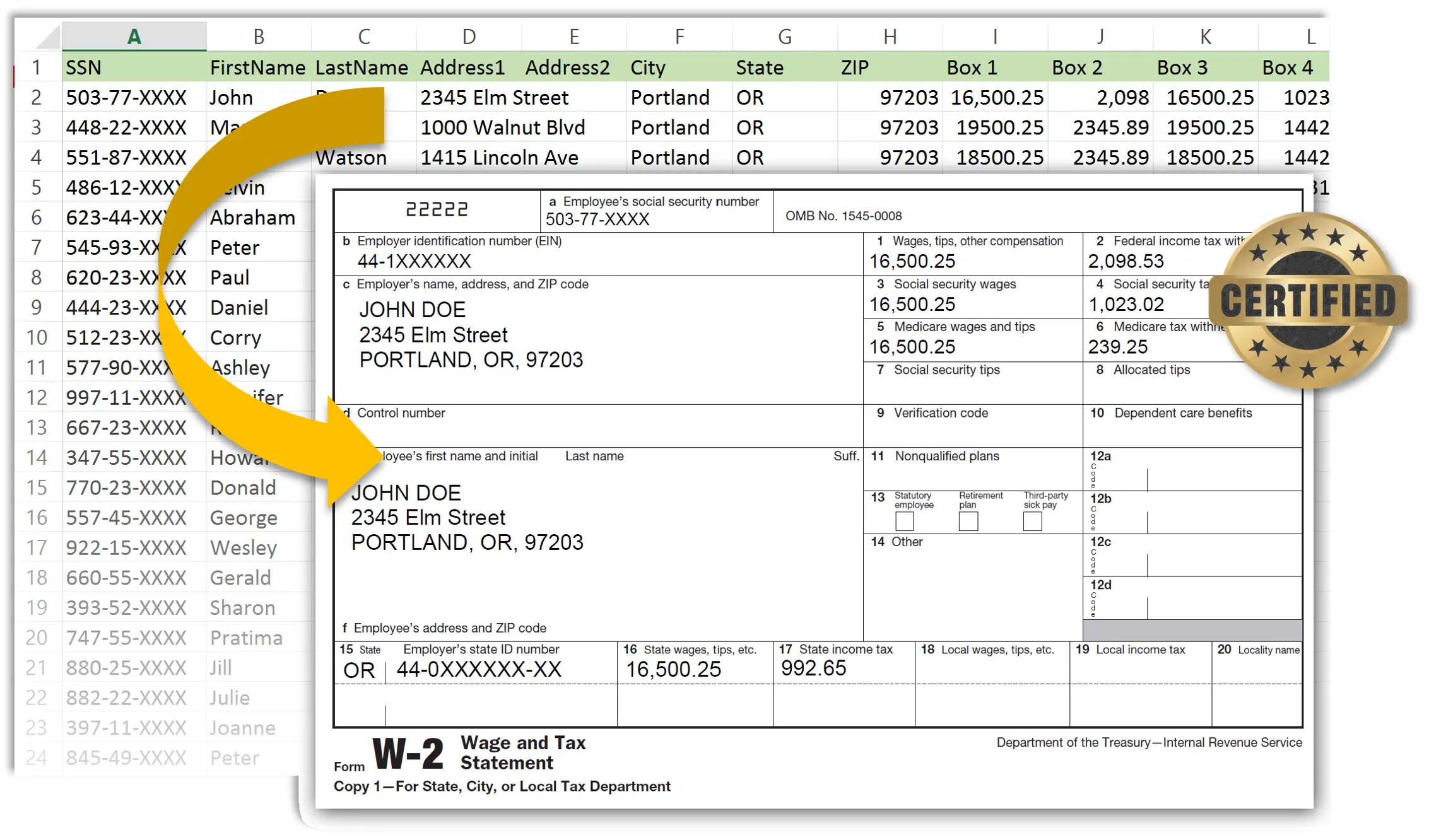
Can I create PDFs from Excel spreadsheet without any coding?
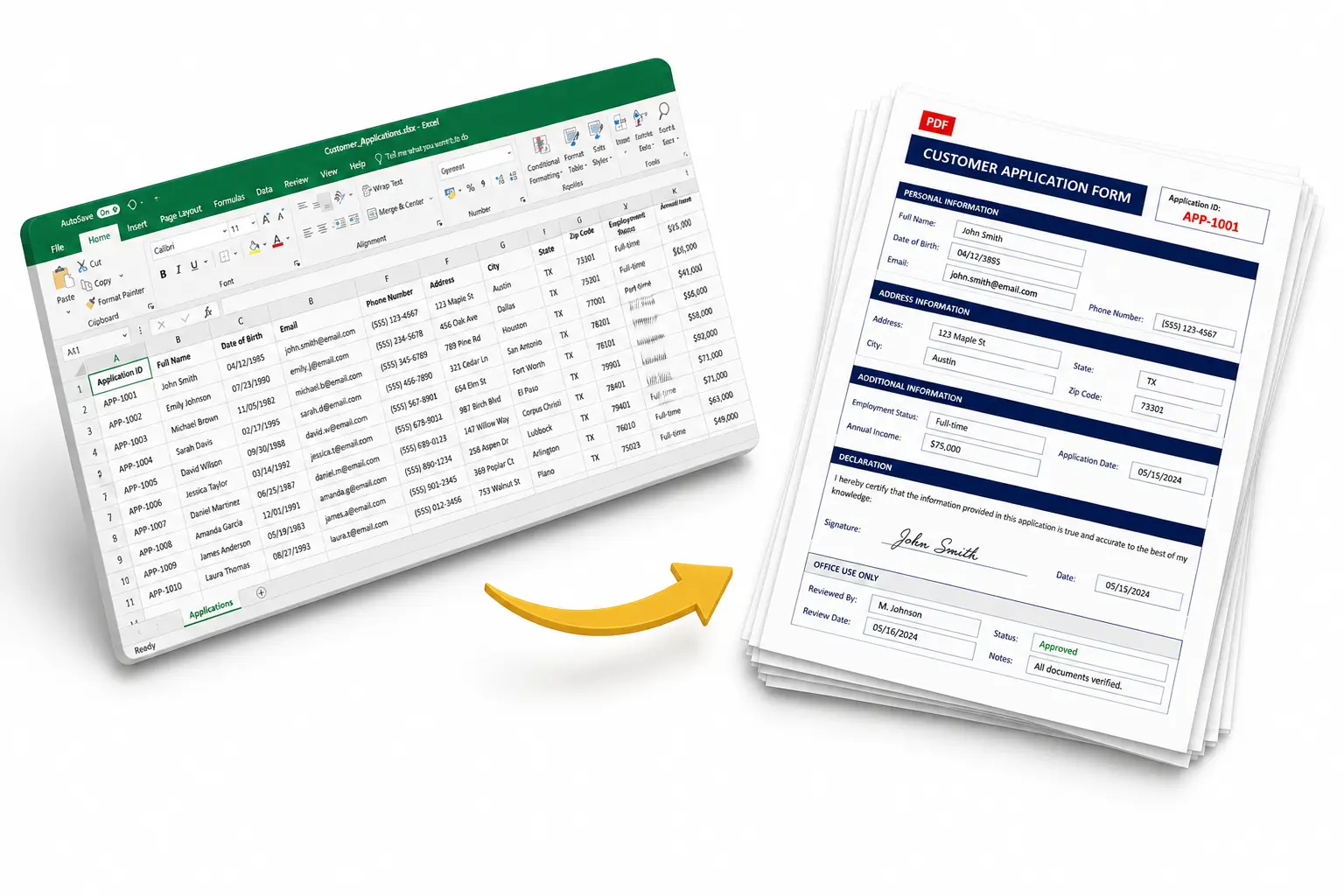
Yes. AutoMailMerge lets you point at an Excel file, visually map columns to PDF form fields,
and generate one PDF per single or multiple rows. No scripting, no macros, no developer required.
What versions of Adobe Acrobat I can use?
AutoMailMerge works with full versions of Adobe Acrobat (Standard or Pro) - 9, X, XI, DC, 2017-2026, Classic.
Software does not work with free Acrobat Reader. Reader is not allowed by Adobe to generate new files.
Both 32-bit and 64-bit versions of Adobe Acrobat are supported since introduction of 64-bit Adobe Acrobat in 2022.
The software is for Windows OS.
Which data sources are supported?
Microsoft Excel (.xls, .xlsx), CSV, tab-delimited text files, Microsoft Access, and any ODBC-compliant database including SQL Server, Oracle, MySQL, and PostgreSQL.
Is my data safe?
Yes. PDF generation happens entirely on your machine — no data is sent to EverMap or any cloud service. Database connections go to databases you control. Emailing PDFs is optional and uses your own email provider, not EverMap's servers.
Can output PDFs be password-protected with individual passwords?
Yes. Each output PDF file can have its own password pulled directly from a data field, so every recipient gets
a uniquely password-protected file.
Is it possible to put multiple data records into a single PDF?
Yes, it is possible to populate a single PDF form with data from multiple data records. The grouping happens
by a value in the user-selected column. For example, all records that have the same invoice number
in "Invoice" column can be placed int a single output PDF file.
Is it possible to put multiple data values into a single PDF form field?
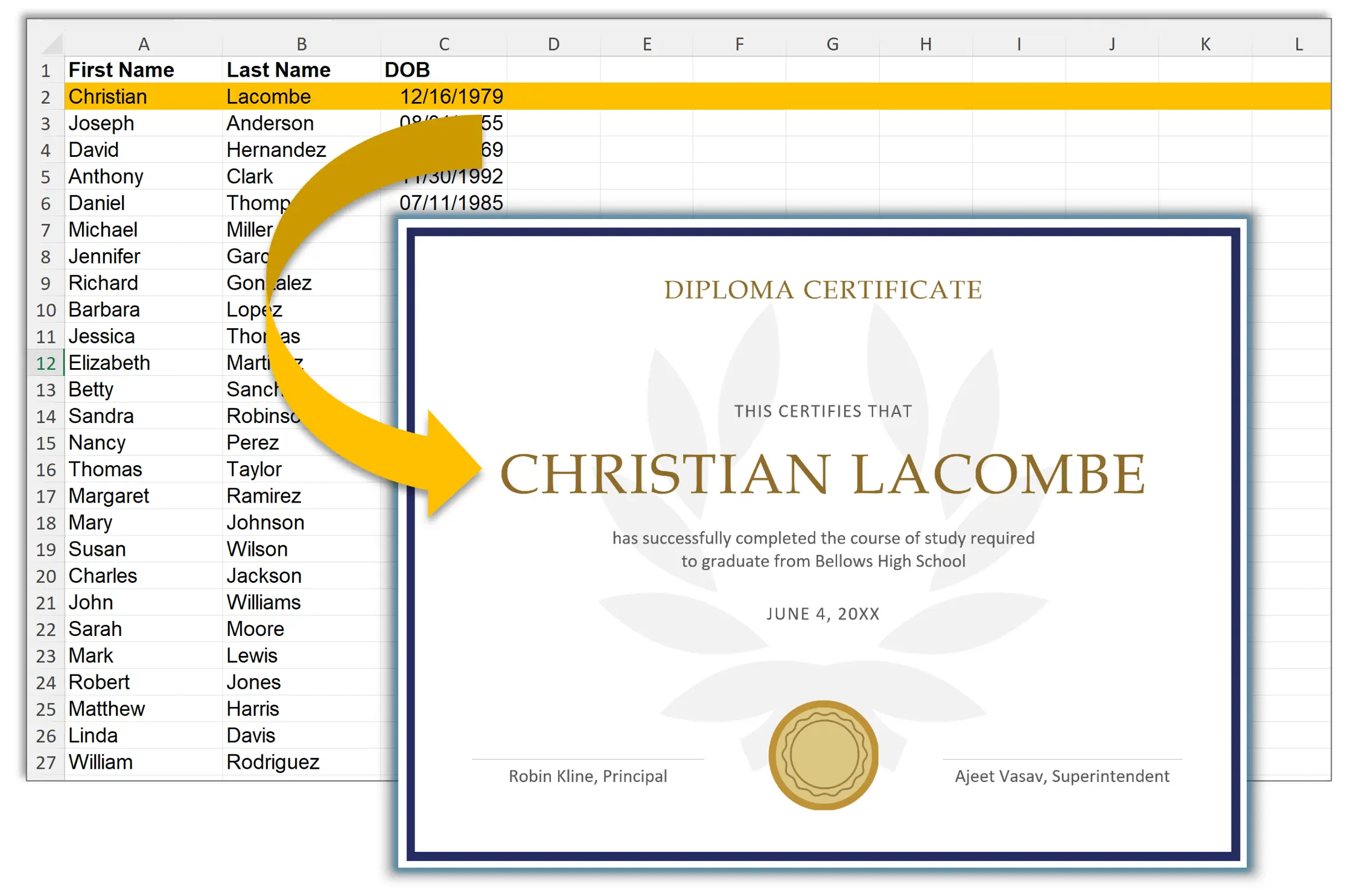
Yes, it is possible to populate a single PDF form field with data from multiple data columns and any static text.
For example, if there are [First Name] and [Last Name] data columns, it is possible to fill
a single PDF form field with both values and separate them by a comma: [Last Name], [First Name].
Can I generate a single output PDF file with all forms inside?
Yes. You can choose to generate a single, combined PDF document that includes all copies of your populated forms.
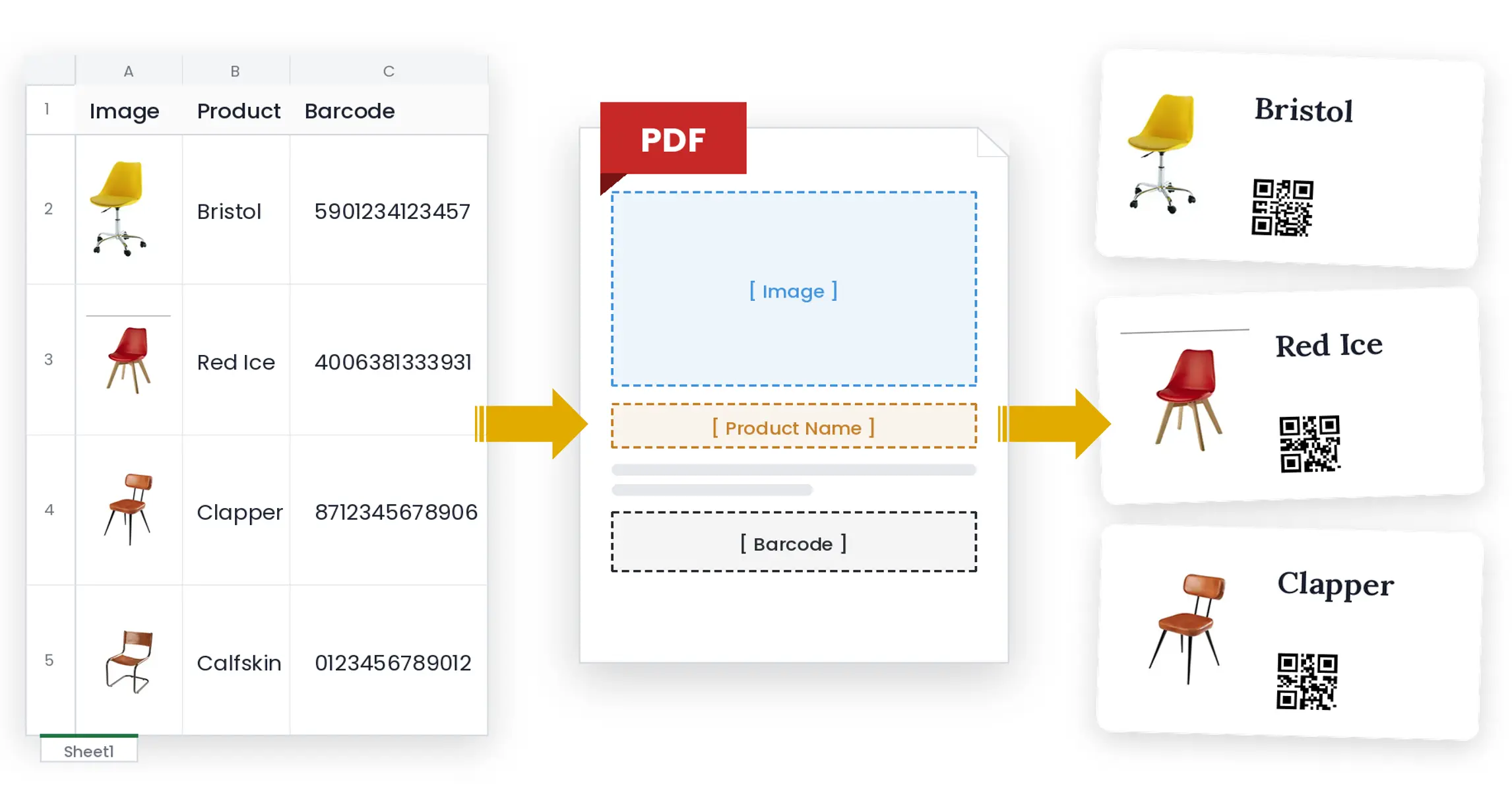
Can I populate image fields in PDF forms?
Yes. You can dynamically personalize PDF files with different images based on data file.
This functionality is used to create personalized product catalogs or real estate mailings.
Can the generated PDFs be emailed automatically?
Yes. AutoMailMerge can send each personalized PDF to the email address in your data file via SMTP, Gmail, or Microsoft Outlook, with customized subject lines and HTML message bodies.
Are the output PDF forms editable or locked?
You choose. Output PDFs can be left editable, flattened so fields become permanent, made read-only, password-protected per recipient, or digitally signed and certified.
Does it support QR codes and barcodes?
Yes. Generate QR, PDF417, Code 39, Code 128, and USPS Intelligent Mail barcodes on your PDFs from any data field — ideal for tickets, certificates, and tracking.
Can I automate the mail merge from a script?
Yes. Run mail merges from a command-line BAT file or via Adobe Acrobat's Guided Actions (Action Wizard) for scheduled, hands-free batch processing.
Can I add unique watermarks to each PDF?
Yes. You can add custom text as a watermark to each PDF file using
your dynamic data pulled from one or more data columns.
Can I throttle emails to a specific rate to avoid being blocked for sending too many?
Yes. You can limit the number of emails sent per second to comply with your provider's rules.
Can I attach multiple files that are common to all email recipients?
Yes. You can attach files that are common to all recipients, as well as customize attachments for individual recipients.